
Green glazed roof tiles
UV Gen v1
“Deep green glazed roof tiles with large curved ridges and pale weathering”
Turn a prompt or reference image into a seamless PBR material. Refine it in 3D, then export every map.
No credit card required · Free credits never expire
Made for game developers, 3D artists and studios of any size.
Prompt
Deep green glazed roof tiles with large curved ridges and pale weathering
Every sphere below is rendered in your browser from the exact maps UV Gen produced. No stock renders, no mockups.
Generation gets you a strong start. Control is what makes it yours.
01 · Describe
Write a prompt or bring a reference image that captures the surface you have in mind.
02 · Direct
Pick the model and style, then refine every map in a live 3D preview. Edits are non-destructive, so you can always go back.
03 · Export
Download each map on its own, or channel-packed for your engine.
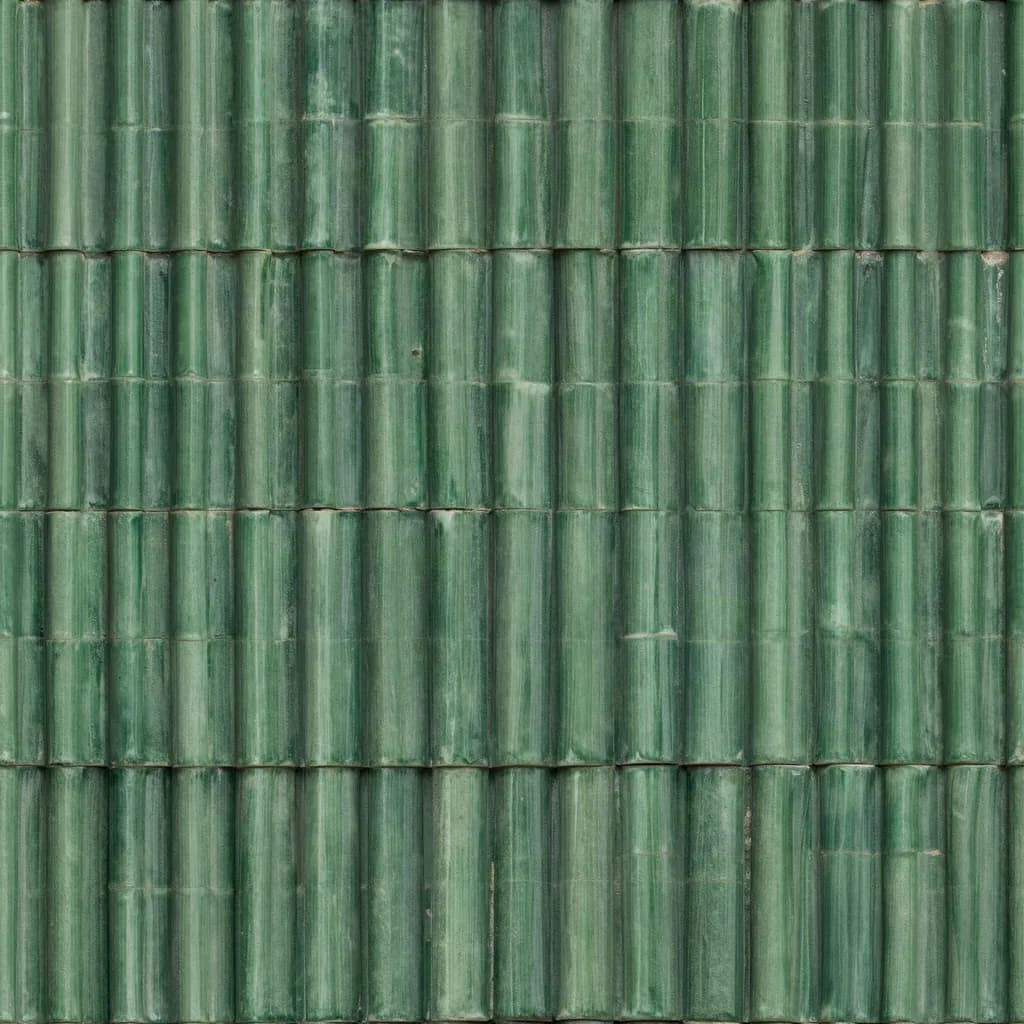
COL
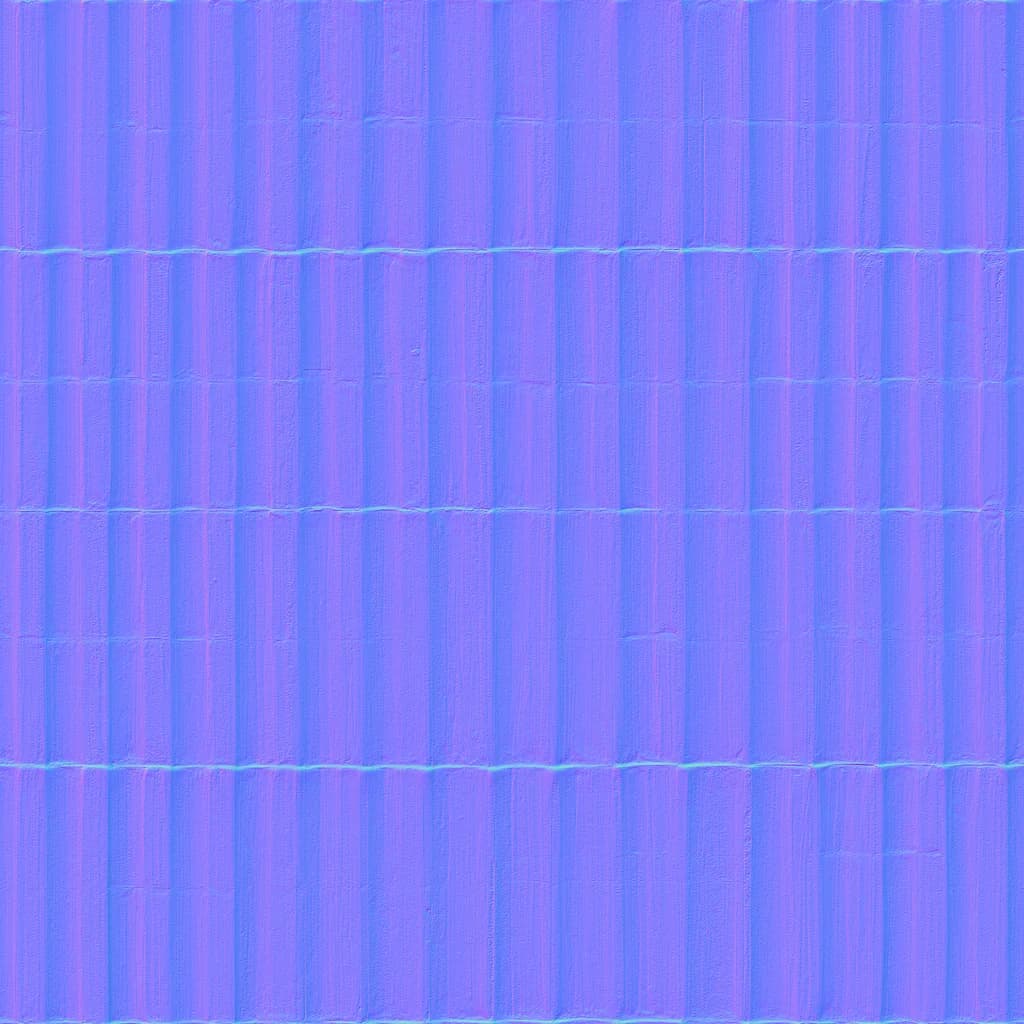
NRM
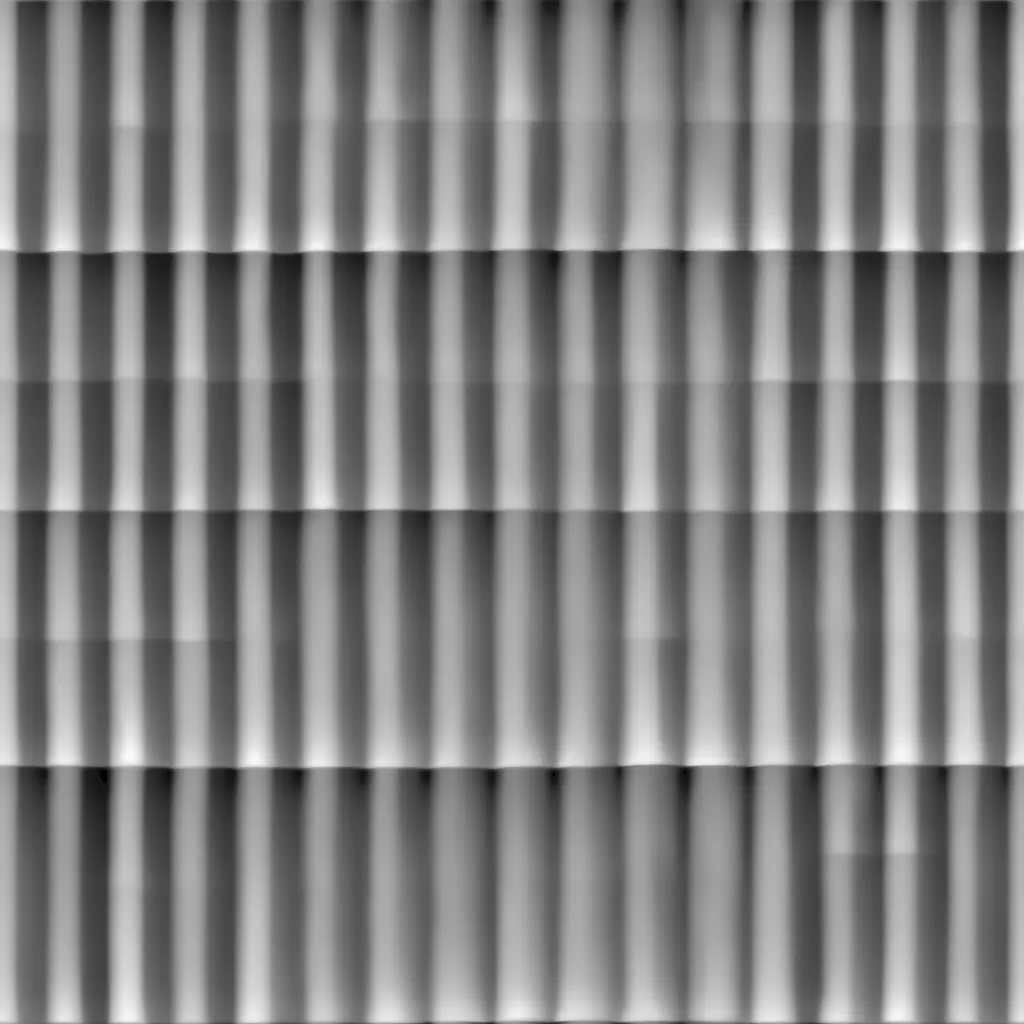
DISP
ROUGH

MTL

SPEC
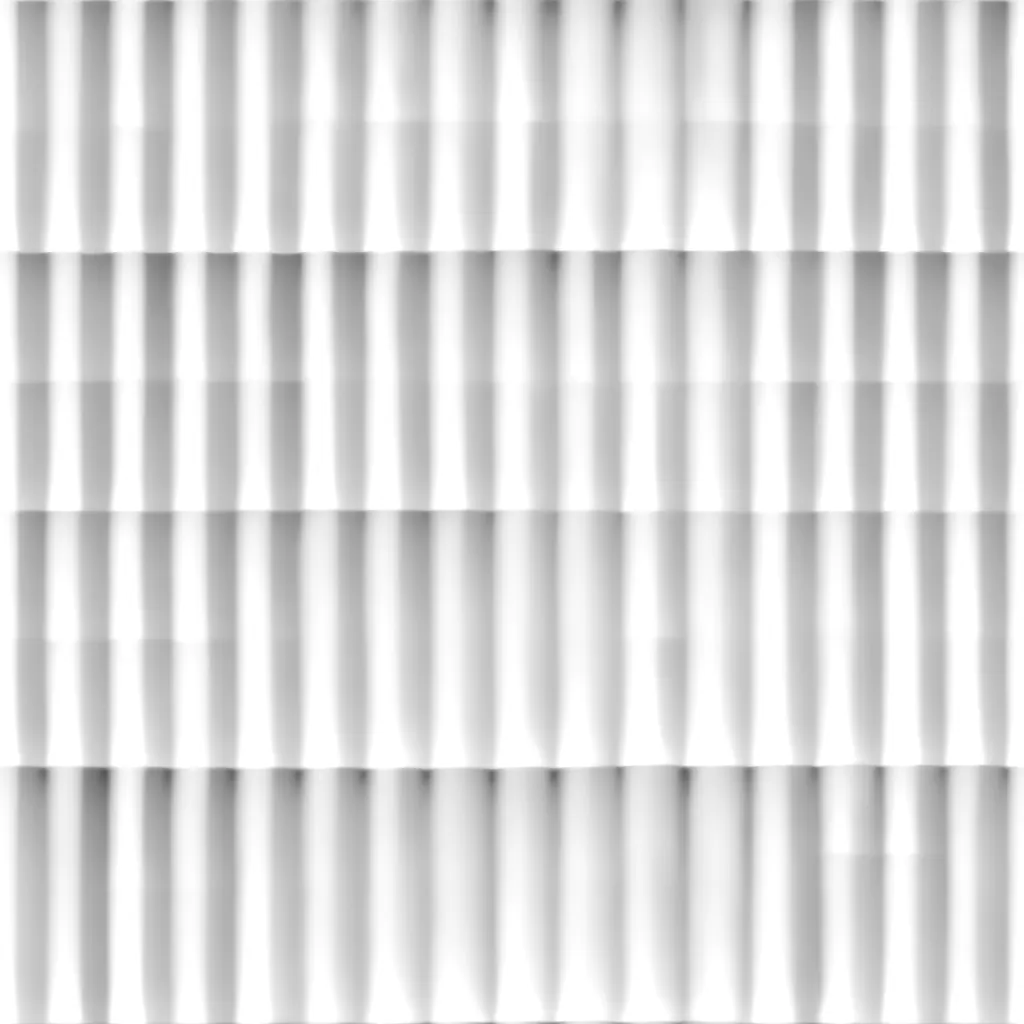
AO
Packed
Most surfaces in a 3D scene need a full PBR material, and every way of getting one comes with a trade-off.
Node-based tools give total control, but every material takes hours and years of specialist skill.
Fast to download, but everyone ships the same surfaces, and the one you need rarely fits your art direction.
Quick and flexible, but you get a picture, not a material: seams show when it tiles, and every PBR map still has to be made by hand.

The speed of generation with the output of a material pipeline: seamless tiles, every map derived from the same source so they always line up, and the controls to shape the result into exactly what your project needs.
Everything between “that looks right” and “that's in the build”.
Every generation is a complete set of PBR maps built to work together, not a single image you still have to break apart.
COL
NRM
DISP
ROUGH
MTL
SPEC
AO
Tiles repeat without visible edges, so one material can cover a whole wall, floor or terrain.
The roadmap evolves with the people using UV Gen.
Seamless materials with every map, a live 3D preview, non-destructive editing and engine-ready export.
Create a look once and reuse it, so every material in a project belongs to the same world.
Layer-based editing, guide maps and local corrections that stay consistent across every map.
UV Gen inside the 3D tools and engines you already work in.
Credits work across every model. The cost is always shown before you generate.
Free
$0
100 credits, about 6 UV Gen v1 materials at 2K. Personal, non-commercial use.
Indie
$12 /month
1,000 credits a month. Commercial license. Or $120 a year.
Studio
$40 /month
4,000 credits a month. Everything in Indie. Or $399 a year.
A seamless, tileable material with the full PBR set: albedo, normal, height, roughness, metallic, specular and ambient occlusion. Preview it in 3D, adjust it, then export the maps individually or packed for your engine.
Yes, with an Indie or Studio plan. The Free plan is for personal, non-commercial use. Materials you create while subscribed stay licensed for commercial use after you cancel. The details are in our Terms.
No. Your prompts, uploads and materials are not used for training unless you explicitly opt in, and we never showcase your work without your permission.
Anything that reads standard PBR maps, including Unreal Engine, Unity, Godot, Blender and more. Built-in presets handle Unreal and Unity channel packing, and normal maps export in OpenGL or DirectX convention.
Each generation costs credits depending on the model and resolution, and the cost is always shown before you generate. A UV Gen v1 material at 2K costs 15 credits. Failed generations are refunded automatically, and free credits never expire.
Not directly today. UV Gen currently creates tileable materials that you apply in your 3D tool of choice. Mesh-aware texturing is one of the areas we are exploring.
For now, you can browse and sign up from any device, but the editor is designed for desktop, where you have the screen space and GPU to inspect materials properly.
UV Gen is live and in active development. If you subscribe during the alpha, you keep your founding price for as long as you stay on your plan, and founding yearly plans get all 12 months of credits upfront.
Describe the surface you need, then shape the result until it fits your project.
100 free credits · No credit card required · Free credits never expire